


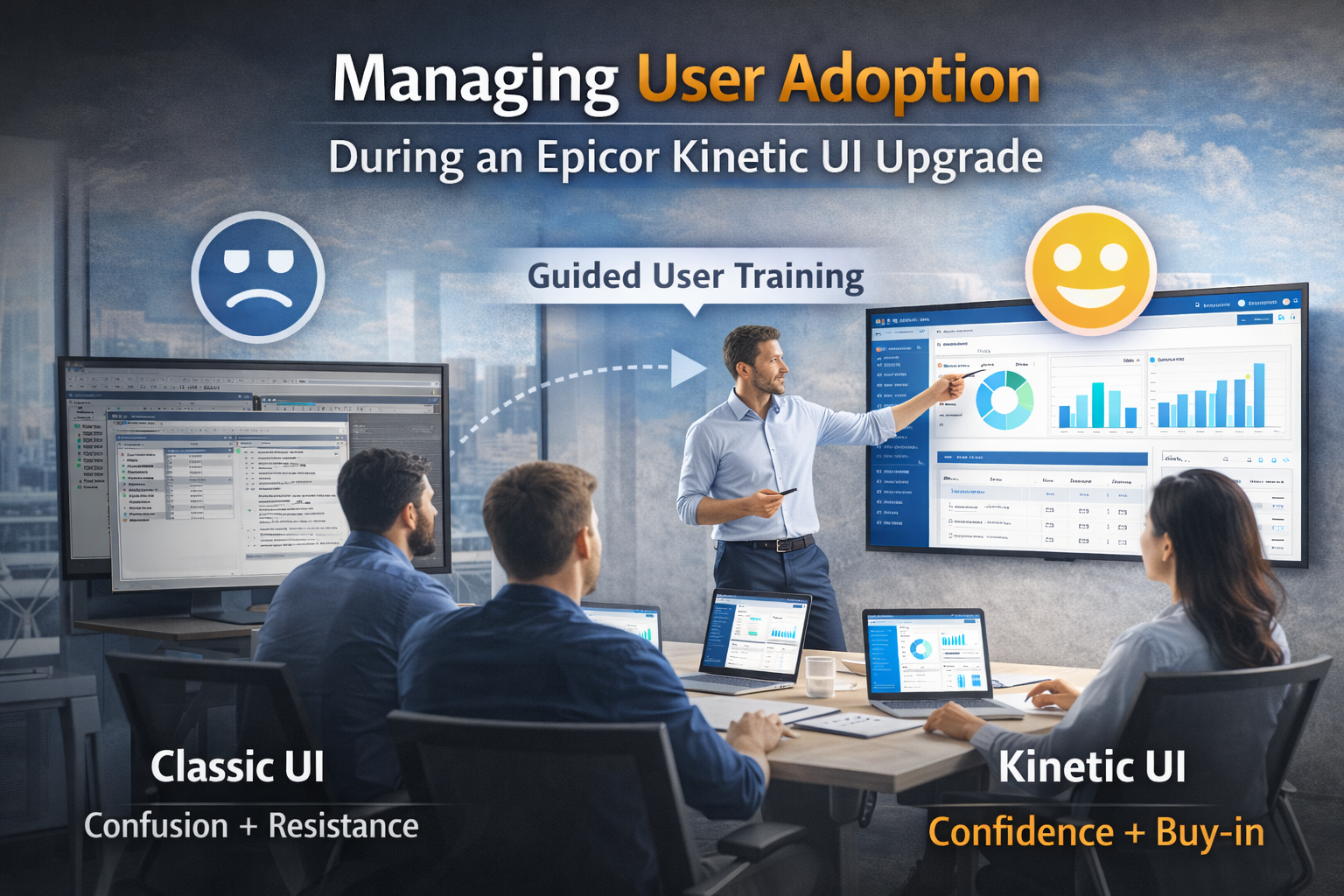
12 Mar Navigating the Epicor Kinetic UI Upgrade: A Roadmap for User Adoption
Upgrading to Epicor Kinetic is more than a technical patch; it’s a total shift in how your team interacts with data. Without a solid adoption plan, even the smoothest deployment can stall.
Read this guide to learn how to:
- Eliminate user resistance and downtime.
- Bridge the gap between “Classic” and “Kinetic” workflows.
- Execute a phased rollout that ensures long-term ROI.
The Shift: Why UI Transition Matters
Moving to Kinetic UI moves your team from a desktop client to a modern, browser-based experience. The primary challenge isn’t the technology—it’s the loss of muscle memory. Acknowledging that this is a cultural change is the first step toward a successful transition.
The Strategy: Separate Technical Prep from Training
Treat technical migration and user training as independent tracks. Stabilize the backend and clean your data first. By decoupling the “tech” from the “training,” you ensure that when users log in, they focus on mastering navigation rather than fighting system errors.
The Audit: Identify Workflow Gaps Early
Inventory every Classic UI customization before flipping the switch. You cannot assume legacy tweaks will function identically in a web-based environment. Identifying what to migrate, retire, or redesign now prevents critical buttons from disappearing on day one.
The Sandbox: Risk-Free Testing
Provide a Kinetic Sandbox—a mirrored version of your live database. This “playground” allows users to perform actual tasks without the fear of breaking production data. Hands-on exposure in a safe setting turns the unknown into the familiar before go-live.
Targeted Learning: Train by Role
Generic walkthroughs fail. Deliver role-specific training focused only on tasks relevant to a user’s job. Showing a floor supervisor new production trackers while showing an accountant updated AP entry demonstrates immediate value and drives faster buy-in.
Internal Allies: Build a Champion Team
Select Super Users from each department to master the system early. They act as a first line of defense, providing peer-to-peer support. When a colleague struggles, they turn to a familiar face rather than waiting on a help desk ticket.
Control the Switch: The Phased Rollout
Avoid a “big bang” launch. Use Kinetic Application Maintenance to migrate specific departments in waves. Moving low-risk groups first allows your IT team to resolve unforeseen issues in a small setting before the entire company makes the permanent switch.
The Feedback Loop: Adjust in Real Time
The transition doesn’t end at launch. Establish feedback loops via office hours or built-in tools to catch friction early. Adjusting layouts based on user input proves their productivity is your priority, turning skeptics into supporters.
Conclusion: From Resistance to Results
Success in Kinetic is measured by how quickly your team regains peak productivity. By focusing on people and process, you transform a disruptive upgrade into a competitive advantage.
Ready to start? Begin by auditing your current customizations to ensure no critical workflow is left behind.
Scaled Solutions Group is here to guide you every step of the way.
For more information, contact Scaled Solutions Group at (866) 957-8419
Email info@scaledsolutionsgroup.com or Visit www.Get-Scaled.com.