


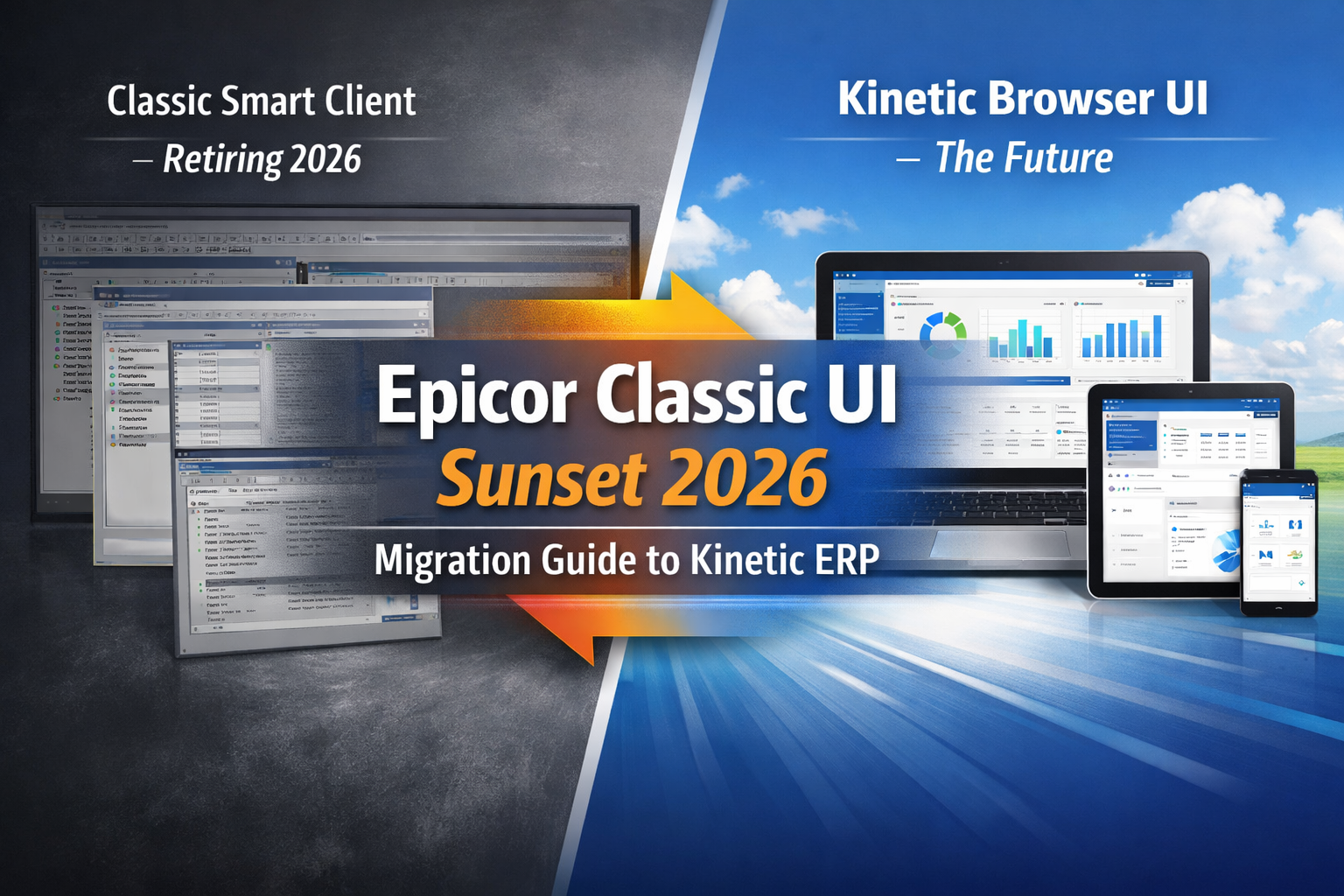
12 Mar Epicor Classic UI Sunset 2026: Migration Guide to Kinetic ERP
The countdown to the Epicor Classic UI retirement has begun. By May 2026 (release 2026.1), the legacy Windows-based Smart Client will be fully replaced by the browser-based Kinetic UI. This transition is a critical opportunity to modernize your manufacturing operations.
Read this guide to learn how to:
- Meet the 2026.1 deadline without operational downtime.
- Convert legacy C# customizations into Application Studio events.
- Leverage Scaled Solution Group’s 5-step migration roadmap.The 2026.1 Deadline:
Why the Classic UI is Retiring
Starting with the 2026.1 release, Epicor will no longer distribute the traditional Smart Client desktop application. All general users must transition to a web browser interface to access ERP data. While administrative tools like DMT and Advanced Print Routing will remain in a dedicated Power Tools Client, version 2025.2 is the final release to support classic forms. Moving early ensures your team isn’t caught in a rushed, high-risk migration.
Kinetic vs. Classic UI: Architecture for the Future
The shift to Kinetic UI is a move toward a cloud-first, cross-platform architecture. This allows your team to access the ERP on any device, including tablets and Macs, providing unprecedented flexibility for the shop floor and remote offices. Beyond aesthetics, the browser interface is the exclusive home for new innovations like Epicor Prism AI and advanced automation tools that are not compatible with the legacy client.
Technical Migration: Moving to Application Studio
The primary technical challenge of this upgrade is that client-side C# scripts do not automatically port to the web. While your BAQs and BPMs remain intact, UI customizations must be rebuilt using Application Studio. Scaled Solution Group audits your legacy scripts to determine which can be replaced by native Kinetic features, significantly reducing your future technical debt.
The Migration Roadmap: A 5-Step Checklist
A successful move to Kinetic typically requires three to six months of preparation. We recommend this structured roadmap:
- Inventory & Audit: Catalog every active customization and report.
- Keep/Kill Analysis: Retire obsolete legacy processes.
- Application Studio Uplift: Translate C# logic into Kinetic-native events.
- Pilot Testing: Validate data behavior in a Sandbox Environment.
- User Acceptance (UAT): Confirm workflows with power users before cutover.
Managing User Adoption: How to Retrain Your Team
The “human” side of an ERP shift is often the most difficult. To drive adoption, focus on the “wins”—show users how to personalize their grids and use predictive search to save time. We recommend a hybrid period where users toggle between UIs to reduce change fatigue before the 2026.1 hard stop.
Migration FAQ: What You Need to Know
- Can I use the Smart Client after 2026? No. Once you upgrade to 2026.1, browser forms become the mandatory standard.
- Is my data safe? Yes. Your data remains secure in your database; only the user interface layer is changing.
Conclusion: Partner for a Fearless Migration
The Epicor Classic UI sunset is a milestone, not a roadblock. By preparing your team and your technical stack now, you ensure your business is ready for the next decade of growth.
Ready to build your Kinetic roadmap?
Scaled Solutions Group is here to guide you every step of the way.
Contact Scaled Solutions Group today!
For more information, contact Scaled Solutions Group at (866) 957-8419
Email info@scaledsolutionsgroup.com or Visit www.Get-Scaled.com.