


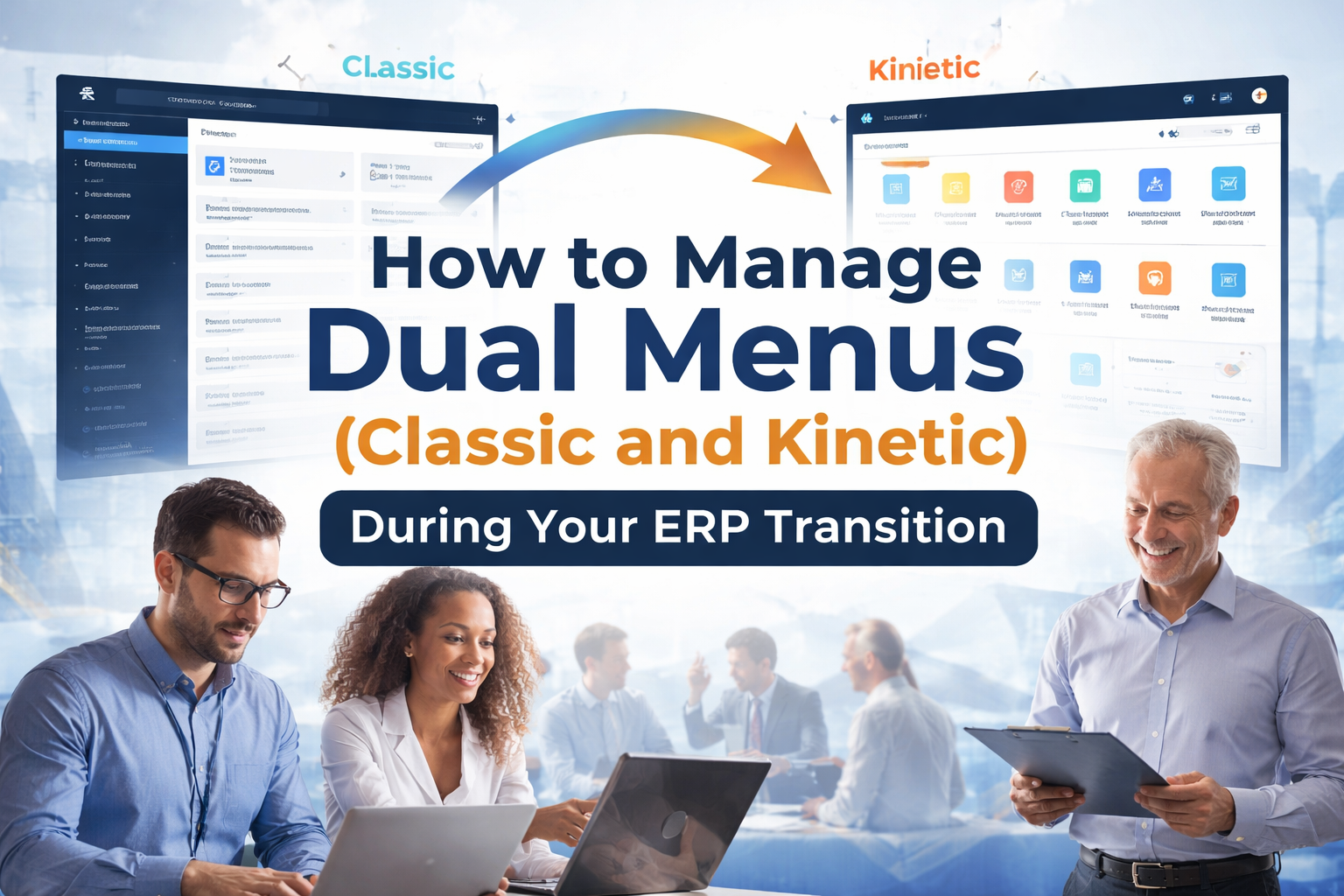
03 Apr How to Manage Dual Menus (Classic and Kinetic) During Your ERP Transition
How to Manage Dual Menus (Classic and Kinetic) During Your ERP Transition
Introduction
ERP transitions often fail when users are forced to work across dual menus (Classic and Kinetic) at the same time. This creates confusion, slows productivity, and leads to inconsistent workflows across teams.
This article explains how to manage dual menus (Classic and Kinetic) during your ERP transition using a structured, practical approach. You’ll learn how to reduce disruption while guiding users toward full Kinetic adoption.
In this article, you will:
- Reduce user confusion between Classic and Kinetic interfaces
- Improve Kinetic adoption with clear transition strategies
- Maintain business continuity during the transition
- Standardize navigation and workflows across departments
- Minimize training time and support issues
Dual Menus in ERP: What They Are and Why They Matter
Dual menus in ERP environments improve transition flexibility but create confusion without structure. Understanding how Classic and Kinetic menus function helps teams reduce errors and maintain consistency during the transition.
What Are Classic vs Kinetic Menus
Classic menus provide the legacy ERP interface that long-time users rely on for daily tasks. These menus are typically form-based, stable, and heavily customized over time.
Kinetic menus deliver a modern, browser-based interface designed for flexibility, improved user experience, and future scalability.
Why Dual Menu Management Impacts ERP Success
Dual menu management directly impacts ERP success by controlling how users interact with the system.
- Duplicate processes across systems
- Data entry errors and inconsistencies
- Increased support requests
Where Dual Menus Create the Most Friction
- Order processing and invoicing
- Customized Classic screens
- Mixed-experience teams
ERP Transition Strategy: Who Should Own Dual Menu Management
ERP transition strategy improves adoption speed when ownership of dual menus (Classic and Kinetic) is clearly defined.
Defining Roles Across IT, Operations, and Leadership
- IT teams: Configure menus and manage system performance
- Operations: Define workflows
- Leadership: Drive adoption
Who Controls Menu Standardization and Governance
A central governance owner should control menu structures, permissions, and changes.
Building Accountability for Adoption
Assign department-level champions to drive Kinetic usage and support teams.
Managing Dual Menus Effectively: What Processes to Implement
Managing dual menus (Classic and Kinetic) effectively requires standardized processes.
Standardizing Menu Structures Across Systems
- Align menu hierarchies
- Use consistent naming conventions
- Reduce unnecessary variations
Mapping Classic Functions to Kinetic Screens
Create a mapping document linking Classic menus to Kinetic workflows.
Creating Clear Navigation Guidelines for Users
- Define when to use Kinetic
- Limit Classic usage
- Standardize workflows
Using Kinetic Menus During ERP Transition: When and Where to Shift
Using Kinetic menus during ERP transition improves efficiency when applied strategically.
Identifying High-Impact Areas for Early Kinetic Adoption
- Low customization areas
- High user volume tasks
- Clear efficiency gains
When to Retire Classic Menus Safely
- Workflows tested
- Users trained
- Support stabilized
Where Hybrid Usage Makes Sense
Use hybrid only in temporary, controlled scenarios.
Why User Adoption Fails Without Dual Menu Training
Dual menu training is critical to ERP success.
Training Strategies That Drive Kinetic Adoption
- Role-based training
- Hands-on exercises
- Workflow-focused learning
Reducing Resistance to Interface Changes
Address concerns through clear communication and support.
Supporting Users with Documentation and Support Channels
- Quick guides
- Video walkthroughs
- Support channels
Dual Menu Governance in ERP: How to Maintain Control
Dual menu governance ensures consistency and prevents system sprawl.
Establishing Menu Governance Policies
- Menu standards
- Access control
- Customization limits
Monitoring Usage and Enforcing Standards
- Kinetic vs Classic usage
- User behavior tracking
Preventing Menu Sprawl and Customization Issues
- Audit unused menus
- Remove duplicates
- Limit customization
Move Your ERP Transition Forward with Confidence
Managing dual menus (Classic and Kinetic) is essential for a successful ERP transition. With the right strategy, you can reduce confusion, improve adoption, and drive long-term value.
Scaled Solutions Group is here to guide you every step of the way.
Call (866) 957-8419
Email info@scaledsolutionsgroup.com
Visit www.Get-Scaled.com