


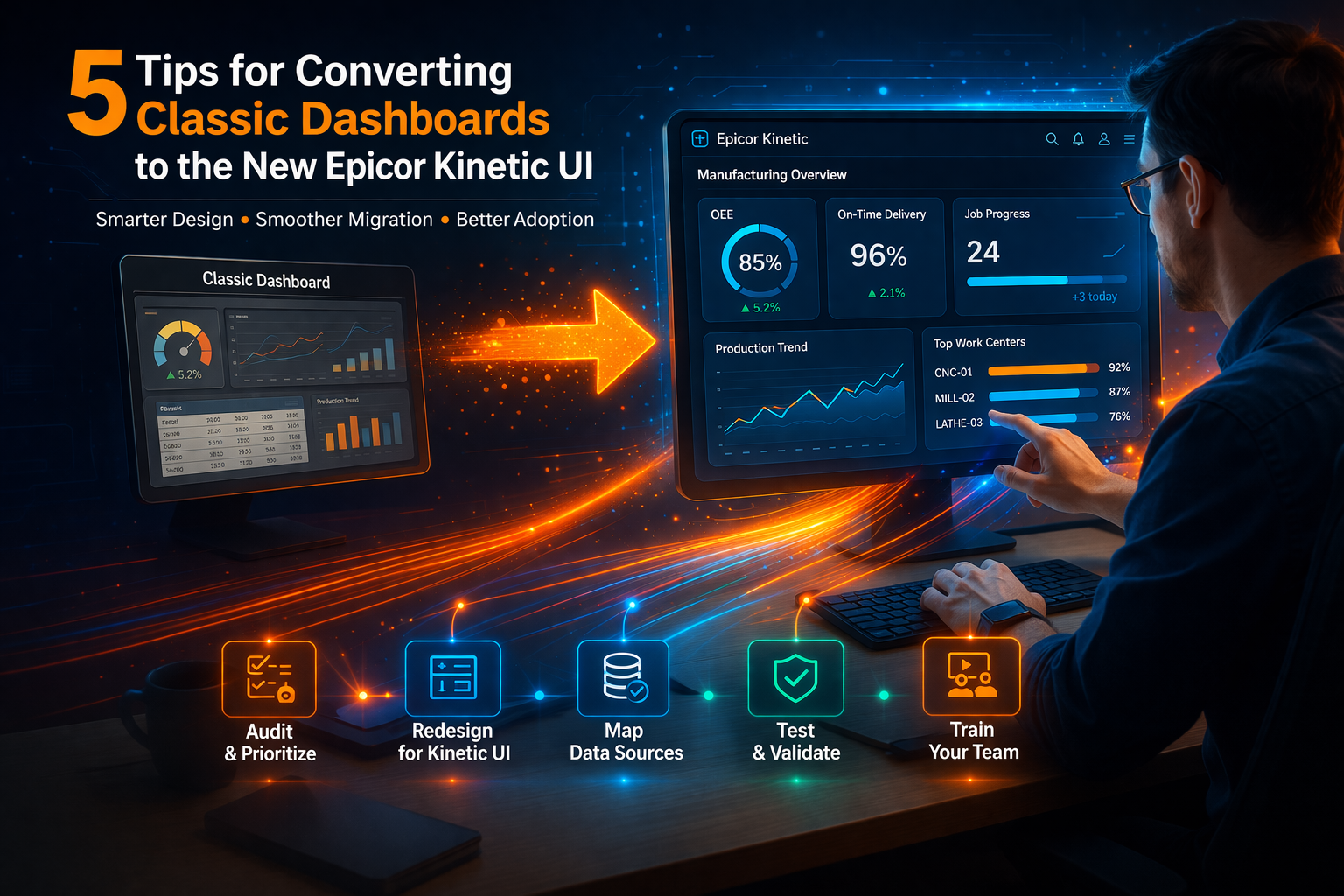
23 Mar 5 Tips for Converting Classic Dashboards to the New Epicor Kinetic UI
Many organizations face challenges when converting dashboards to the Epicor Kinetic UI. Legacy dashboards built in older environments often do not translate directly into the new framework. As a result, teams experience broken data views, inconsistent performance, and frustrated users.
Without a clear strategy, dashboard conversion becomes time-consuming and costly. However, when approached correctly, it presents an opportunity to improve usability, enhance performance, and align reporting with business goals.
This guide provides five practical tips to convert classic dashboards into the Epicor Kinetic UI successfully.
- Avoid common dashboard conversion mistakes
- Improve usability and performance
- Ensure accurate data mapping
- Accelerate user adoption
- Reduce rework and delays
Converting Epicor Dashboards: Why Planning Matters First
Converting Epicor dashboards starts with a clear plan that defines priorities, users, and expected outcomes. Many teams jump into migration without understanding which dashboards are critical.
Planning helps identify:
- Who uses each dashboard
- What data is essential
- Where dashboards are used in workflows
- When dashboards are accessed daily
- Why each dashboard matters to decision-making
By focusing on high-impact dashboards first, teams reduce complexity and deliver value faster. This structured approach minimizes confusion and ensures alignment across departments.
Epicor Kinetic UI Dashboard Design Best Practices
Epicor Kinetic UI dashboard design improves usability by focusing on simplicity and clarity. Instead of replicating old layouts, teams should redesign dashboards for modern workflows.
Best practices include:
- Use clean, minimal layouts to reduce cognitive load
- Highlight key performance indicators for quick insights
- Design role-based dashboards tailored to users
- Limit unnecessary widgets that clutter the interface
A well-designed dashboard allows users to find information quickly and act immediately. This improves productivity and reduces errors.
Mapping Classic Dashboards to Kinetic Components
Mapping classic dashboards to Kinetic components ensures that data remains accurate and meaningful after conversion.
Legacy dashboards often rely on outdated widgets or data structures. During migration, teams must:
- Replace unsupported components with Kinetic alternatives
- Align data sources with updated system architecture
- Validate calculations and logic
This step is critical because incorrect mapping can lead to inaccurate reporting. Ensuring proper alignment maintains trust in the system.
Testing Epicor Kinetic Dashboards Before Deployment
Testing Epicor Kinetic dashboards prevents issues that could disrupt operations after deployment.
Testing should include:
- User acceptance testing (UAT) to validate usability
- Performance testing to ensure speed and responsiveness
- Data validation to confirm accuracy
Testing allows teams to identify problems early and fix them before they impact users. This reduces downtime and builds confidence in the new system.
Training Teams on Epicor Kinetic Dashboard Usage
Training teams on Epicor Kinetic dashboards ensures smooth adoption and maximizes the value of the new interface.
Effective training strategies include:
- Hands-on sessions for real-world scenarios
- Role-based training tailored to job functions
- Quick reference guides for ongoing support
When users understand how to navigate dashboards efficiently, they are more likely to embrace the system.
Avoiding Common Errors in Epicor Dashboard Conversion
Avoiding common errors in Epicor dashboard conversion helps prevent delays and inefficiencies.
Common mistakes include:
- Over-customization that complicates maintenance
- Ignoring user feedback
- Skipping testing phases
By addressing these risks early, teams can ensure a smoother transition and better long-term performance.
Ensure a Smooth Dashboard Transition
Converting dashboards to the Epicor Kinetic UI is not just a technical task—it is an opportunity to improve usability and performance.
With proper planning, design, testing, and training, organizations can achieve a seamless transition.
To ensure success, consider working with experienced ERP specialists who can guide your migration and help you avoid costly mistakes.
Scaled Solutions Group is here to guide you every step of the way.
For more information, contact Scaled Solutions Group at (866) 957-8419
Email info@scaledsolutionsgroup.com or Visit www.Get-Scaled.com.